Warehouse Mobile Apps for Marketplace Brands: Build, Buy, or Something In Between
TL;DR: Most brands under roughly 5,000 SKUs are fine with an off-the-shelf warehouse mobile app. Once you're running FBA prep plus Walmart compliance labeling plus a 3PL, off-the-shelf tools start fighting your workflow — and a narrow, purpose-built app usually pays for itself within a season.
What a warehouse mobile app actually needs to do for a marketplace brand
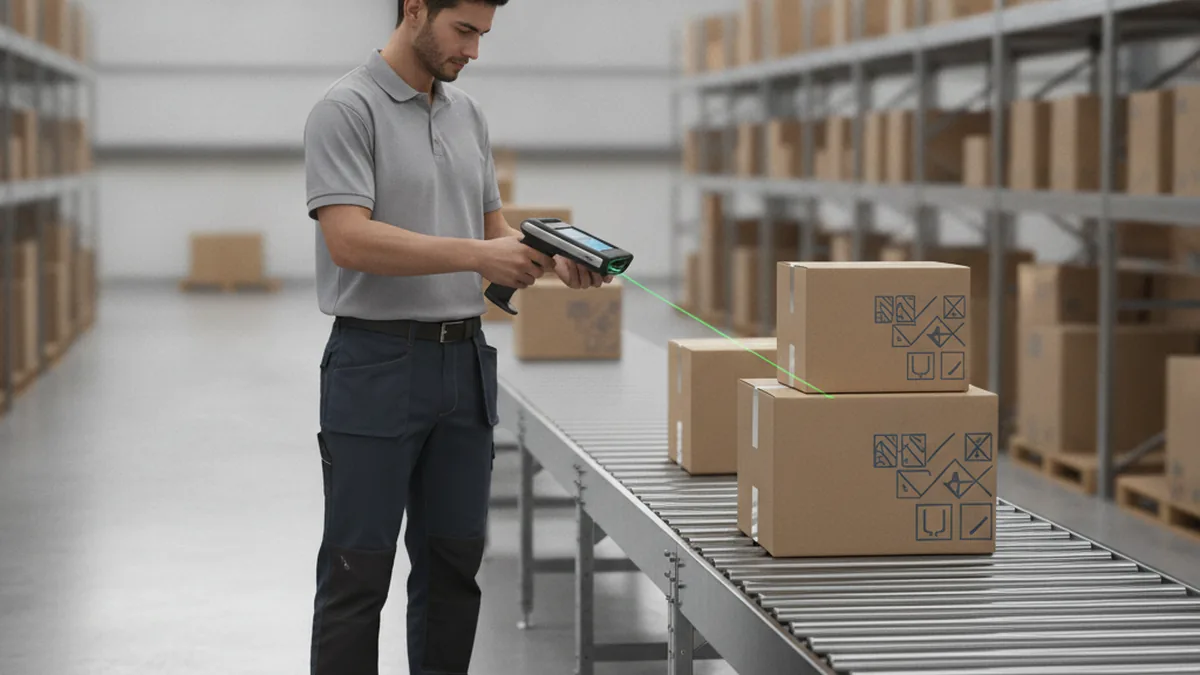
Strip away the vendor marketing and a warehouse mobile app has one job: give floor staff a fast, reliable way to tell the system what's physically happening — a box arriving, a unit picked, a count that doesn't match. For a marketplace brand that means barcode scanning at receiving and putaway, real-time inventory counts that sync back to whatever feeds Amazon Seller Central or the Walmart Marketplace API, and exception flagging the moment a scan doesn't match the expected SKU or quantity so the mismatch gets caught on the floor, not three weeks later as a chargeback.
That narrow, well-defined scope — scan, count, flag, sync — is exactly the kind of app a mobile development team at YuSMP Group builds in a few weeks, not a few quarters, when an off-the-shelf tool stops fitting a brand's actual receiving and compliance-labeling rules.
None of this is exotic. What makes it hard for a growing marketplace brand is that the rules aren't generic — FBA prep has its own labeling and packaging requirements, Amazon's own FBA program page lays out at a high level, and Walmart's compliance labeling runs on a different rule set entirely. A generic WMS app handles the barcode-scan part fine. It's the brand-specific rules layered on top that separate a tool that mostly works from one that actually fits.
Do you actually need one, or is your current process enough?
A paper checklist or a shared spreadsheet is a perfectly reasonable way to run a small warehouse floor. The signals that it's stopped working tend to show up gradually, then all at once: FBA prep rejection rates climbing because a labeling step keeps getting missed under volume, Walmart compliance labeling errors showing up as chargebacks that trace back to a floor step nobody can audit after the fact, receiving backlogs that balloon every peak season, and staff still reconciling counts from a clipboard at the end of a shift instead of in real time.
Any one of those on its own is usually tolerable. Two or three happening at the same time, every peak season, is the actual trigger — not a specific SKU count or revenue number.
Build vs buy — how to actually think about it
Once the paper-or-spreadsheet process has clearly stopped working, the next decision isn't "do we get an app" — it's which kind.
What you get from an off-the-shelf WMS app
A packaged WMS app is fast to deploy, comes with support included, and usually ships with built-in integrations to major carriers and 3PLs out of the box. The tradeoff shows up once your operation stops looking like the average customer it was built for: generic workflows that don't encode your specific compliance-labeling or FBA-prep rules, and per-seat licensing that scales badly once a seasonal headcount spike triples the number of people who need a login.
What you get from a custom-built app
A custom app is built to your exact SKU, labeling, and compliance rules from the start, and it can integrate directly with your own ERP and with Amazon Seller Central or Walmart Marketplace APIs rather than through a generic connector. There's no per-seat fee that scales against you at peak. The tradeoff is upfront: you're paying for the build and the time it takes, and your team owns the maintenance afterward rather than a vendor's support line.
| Factor | Off-the-shelf WMS app | Custom-built app |
|---|---|---|
| Setup time | Days to a couple of weeks | Several weeks for a narrow v1 |
| Cost model | Per-seat subscription, scales with headcount | One-time build, then maintenance |
| Fits unusual compliance rules | Only through workarounds | Built around your exact rules |
| Integrates directly with ERP / Seller Central / Walmart APIs | Usually via a generic connector | Direct, built for your stack |
| Who maintains it | The vendor | Your team or a dev partner |
| Best for | Simple SKU mix, one compliance profile, smaller headcount | FBA prep + Walmart labeling + 3PL, seasonal staff swings |
What to build first if you go custom
The brands that get the most value fastest from a custom warehouse app resist the urge to replicate every feature a mature commercial WMS has accumulated over years. A lean first version covers the core loop and nothing more.
- Barcode scan, inventory count, and exception flagging — the three actions that actually touch the floor every shift. Everything else can wait for v2.
- Offline mode for dead zones. Warehouse wifi is unreliable by nature — steel shelving and concrete kill signal in predictable spots. A scan that fails silently because the app lost connection is worse than no app at all; it needs to queue locally and sync once it reconnects.
- Role-based permissions for seasonal and temp staff. A receiving-dock temp hired for peak season doesn't need to see putaway rules or compliance-labeling logic — just the steps relevant to their shift, which also shortens training time dramatically.
Does the answer change for FBA, 3PL, or in-house warehouses?
Yes, and this is where a lot of "best WMS app" advice falls apart by treating every marketplace brand as the same operation. A brand that's purely FBA often doesn't need a warehouse mobile app at all — Amazon owns the warehouse floor once inventory lands at a fulfillment center, so there's no internal receiving-and-putaway process to digitize in the first place.
The brands that actually hit the ceiling of off-the-shelf tools are the ones running their own warehouse, or working with a 3PL that's juggling multiple clients' compliance rules at once. That's also where the integration work tends to matter most — see our guide to integrating an ERP with the Amazon Seller Central API and the companion piece on Walmart Marketplace API integration for what that connective tissue actually looks like once a warehouse app needs to talk to both.
FAQ
Do we need a mobile app, or would a better spreadsheet process fix this?
Sometimes a spreadsheet really is enough — the fix isn't always a new tool. If your rejection rates and chargebacks trace back to a process gap (nobody double-checks a count, a labeling step gets skipped under rush) rather than the speed of data entry, tightening the process first is the cheaper move. A mobile app earns its cost once the bottleneck is genuinely about speed and accuracy at the point of scan, not process discipline.
What's the real cost difference between buying a WMS app and building a custom one?
An off-the-shelf app is a recurring per-seat subscription that scales with headcount, often spiking hardest right when you add seasonal staff for peak. A custom build is an upfront cost for a narrow first version, then ongoing maintenance you own. The crossover point depends on your seat count and how long you expect to run the operation at this scale — there's no flat number that applies across brands.
Can a custom warehouse app integrate directly with Amazon Seller Central and Walmart Marketplace APIs?
Yes — that's one of the main advantages over a packaged tool, which typically connects through a generic third-party connector rather than a direct integration. A custom build can sync inventory counts and exception flags straight back to the same systems that already feed your Seller Central and Walmart Marketplace listings.
How long does it realistically take to build a basic barcode-scanning warehouse app?
A narrow first version — scan, count, exception flagging, offline mode — typically runs a few weeks rather than a few quarters, assuming the scope stays tight. Adding direct ERP or multi-marketplace API integration extends that timeline, but a lean v1 doesn't need to include everything on day one.
Will seasonal or temp warehouse staff be able to use a custom app without much training?
That's usually the point of building role-based permissions into v1: a temp hired for peak season sees only the steps relevant to their shift, not the full feature set a full-time lead needs. Narrow scope per role tends to cut training time significantly compared to a general-purpose WMS app with every feature visible to every user.
Does this still apply if we run a mix of FBA and our own 3PL?
Yes, and it's actually the clearest case for a custom app. The FBA side doesn't need warehouse tooling since Amazon owns that floor, but the 3PL or in-house side still has to manage receiving, compliance labeling, and inventory sync — and a tool built around your specific split of channels usually fits better than a generic one trying to cover every possible combination.
What happens if our warehouse wifi is unreliable — does the app still work?
It should, if offline mode is built into v1 rather than added later. A well-built warehouse app queues scans locally when it loses signal and syncs automatically once connectivity returns, so a dead zone near the back shelving doesn't stop receiving or picking from continuing.