Build vs. Buy: Should You Develop a Custom iOS Scanning App for Your Fulfillment Team?
TL;DR: iPhones and iPads with MFi scanning sleeves have become common on marketplace fulfillment floors, replacing dedicated handheld scanners for many teams. Off-the-shelf scanning apps cover basic cycle counts well, but break down at multi-warehouse, multi-channel scale. This piece lays out a decision framework - cost, control, integration depth - for when to build a custom iOS scanning app versus buy a subscription tool.
Why iOS Devices Are Taking Over Marketplace Warehouse Floors
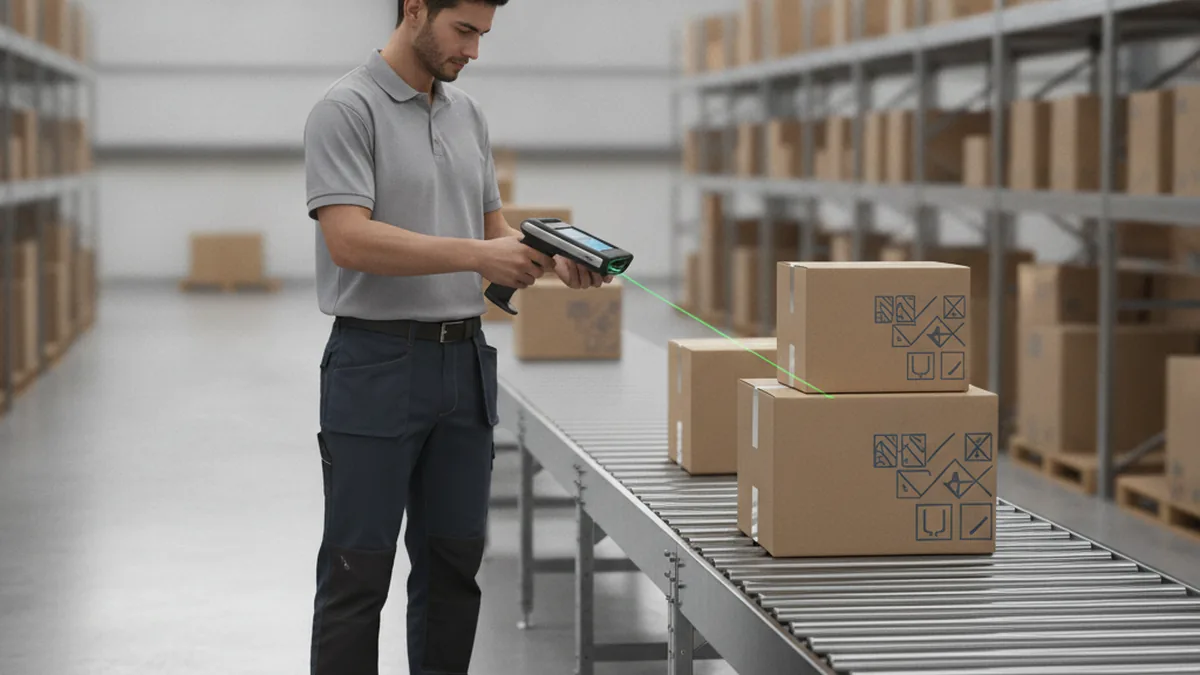
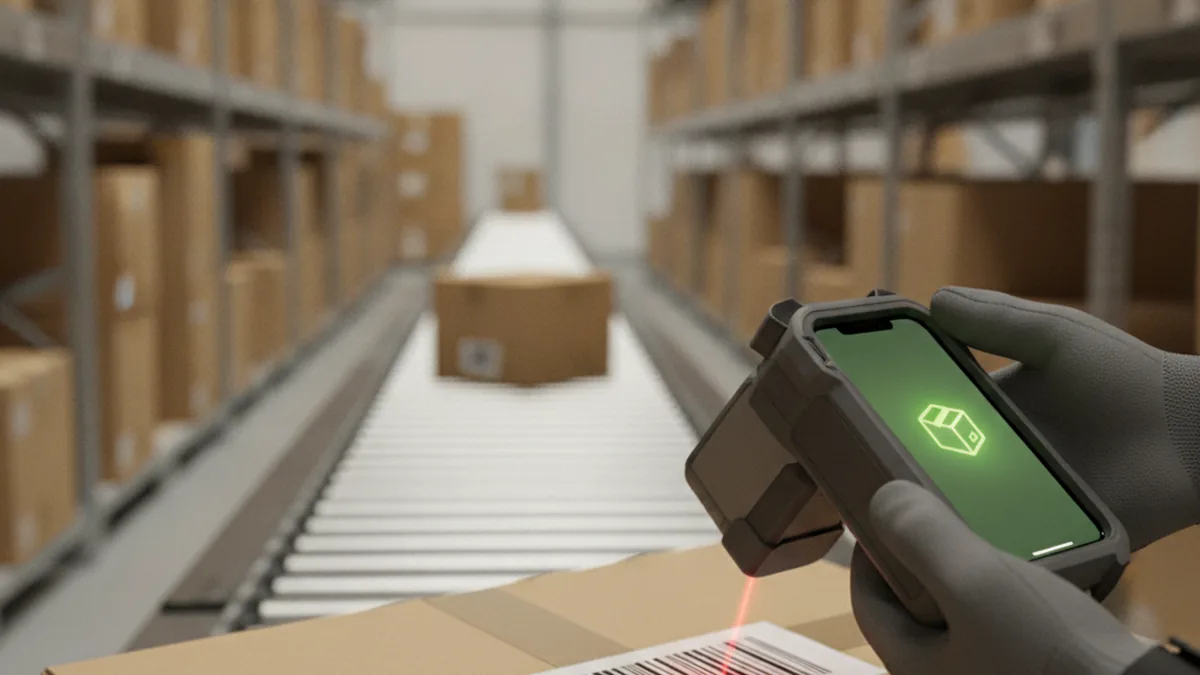
Dedicated barcode scanners used to be the default on any fulfillment floor - rugged, single-purpose, and expensive to replace when one breaks. That default has been shifting. A growing number of 3PLs and in-house fulfillment teams now equip pickers with an iPhone or iPad clipped into an MFi-certified scanning sleeve: a case that adds a physical trigger and scan engine while the app itself runs on a regular iOS device.
The appeal is straightforward. One device replaces a scanner, a handheld computer, and sometimes a label printer workflow, and it runs the same software stack a brand's warehouse team already knows from their personal phones. For brands weighing this shift, the harder question isn't whether iOS belongs on the floor - it clearly does now - it's whether to buy a packaged scanning app or have the iOS app development team at YuSMP build one that matches how the warehouse actually runs.
That question gets sharper as a fulfillment operation grows past a single warehouse or a single marketplace. A tool that was fine for one site running only Amazon FBA prep starts showing cracks once a second warehouse and a Walmart WFS lane enter the picture.
What Off-the-Shelf iOS Scanning Apps Actually Cover
Packaged scanning apps on the App Store are built around a narrow, well-solved job: turn a phone's camera into a barcode reader for cycle counts and basic receiving. They do that job well for a single location with a simple SKU structure.
- Cycle counting. Scan a shelf location, confirm quantity, submit - the core loop most of these apps are designed around.
- Basic receiving and putaway. Scan an incoming item, assign it a bin, log the move.
- Single-platform exports. CSV or spreadsheet exports that a team can upload into one inventory system by hand.
- Per-device subscription pricing. Pay per phone per month, with usage capped by license count rather than by scan volume.
For a single warehouse running one marketplace channel with a few hundred SKUs, this is genuinely enough, and it is far cheaper than building anything custom.
Can an iPhone Camera Really Replace a Dedicated Barcode Scanner?
A modern iPhone camera can reliably read 1D and 2D barcodes for most retail SKUs under normal warehouse lighting - that part is settled. Apple's own Vision framework documentation covers the on-device barcode and text-recognition APIs that both packaged apps and custom builds rely on for this.
Where the camera alone starts to strain is high-volume pick-pack lines: workers wearing gloves, scanning hundreds of items per shift, who need a physical trigger rather than holding up a phone and aiming it. That's the gap MFi scanning sleeves close - they add a dedicated scan engine and trigger button to the same iPhone, so throughput on a busy line doesn't depend on camera-only scanning.
In practice, most teams land on a mix: camera-only scanning for receiving and cycle counts, sleeve-equipped devices for the pick-pack stations doing the real volume.
Does Barcode Scanning Work Without an Internet Connection?
It can, but only if the app is built for it. The camera and barcode decoding happen entirely on-device, so the scan itself never needs a connection. What actually requires engineering is everything after the scan: writing the result to a local queue and syncing it to the inventory system once connectivity returns.
Off-the-shelf apps vary a lot here. Some handle offline mode cleanly; others silently drop scans or lock the interface when the warehouse Wi-Fi has a dead zone near the loading dock - exactly where connectivity is weakest and scan volume is highest.
The Real Cost of Building vs. Buying a Scanning App
Neither path has a single honest price tag, but the cost structure of each is predictable enough to compare directly.
| Factor | Off-the-shelf subscription app | Custom iOS app |
|---|---|---|
| Upfront cost | Low - setup and onboarding only | Development cost, paid once |
| Ongoing cost | Per-device subscription, scales with headcount | Maintenance only - no per-seat fee |
| ERP/OMS integration | Limited to pre-built connectors | Built to your exact stack |
| Data ownership | Lives in the vendor's platform | Lives in your own systems |
| Customization ceiling | Fixed by the vendor's roadmap | Open-ended |
| Time to deploy | Days | Weeks to a couple of months for an MVP |
When a Custom iOS App Is Worth It for Your Fulfillment Operation
No single factor makes the call alone, but a few signals tend to show up together once a custom build starts paying for itself:
- Multi-warehouse or 3PL network operations, where scan data needs to roll up into one system instead of living in separate app instances per site.
- Dual-channel fulfillment - running Amazon FBA prep and Walmart WFS out of the same operation, each with different label and pack requirements that a generic app doesn't encode.
- A need to own scan-level data for analytics - pick times, error rates, throughput by shift - that a vendor's dashboard doesn't expose at the level of detail ops teams actually want.
- ERP or WMS integration that falls outside the handful of connectors a packaged app ships with.
- Outgrowing per-seat pricing, where the subscription cost curve has clearly outpaced what the tool is actually worth at scale.
A common version of this: a 3PL running Amazon FBA prep out of one warehouse and Walmart WFS out of a second hits its scanning app's per-device license cap right as peak season ramps up, and discovers the vendor's next pricing tier assumes a headcount far larger than what the extra volume actually needs. For related ground, our piece on warehouse mobile apps for marketplace brands covers the broader build-vs-buy question for mobile ops tools beyond scanning specifically.
What to Build First: MVP Scope for a Custom iOS Scanning App
Teams that decide to build tend to over-scope the first version. A focused MVP covers five things, in this order:
- Core scan-to-system flow. Scan a barcode, validate the SKU against the inventory record, write the result back.
- Offline mode with background sync. Queue scans locally and push them once connectivity returns, so a dead Wi-Fi zone never blocks work.
- Role-based views. Separate, simplified screens for receiving, pick-pack, and cycle counting - each worker sees only what their role needs.
- An integration hook into the existing ERP, OMS, or WMS. This is the piece that actually justifies building instead of buying.
- A single-warehouse pilot before multi-site rollout. Prove the flow on one floor before asking a second or third warehouse to adopt it.
Build vs. Buy Decision Scorecard
Score your operation against the five signals above. Two or more leaning toward "build" is usually the point a custom app stops being a nice-to-have and starts being the cheaper long-term option.
| Signal | Leans toward buy | Leans toward build |
|---|---|---|
| Warehouse count | Single site | Multi-warehouse or 3PL network |
| Fulfillment channels | Amazon only | Amazon FBA + Walmart WFS, different rules |
| System integration | Fits a listed connector | Custom ERP/WMS, no pre-built hook |
| Device count | Under ~25 devices | Scaling past per-seat pricing's sweet spot |
| Data needs | Vendor dashboard is enough | Need raw scan-level data for analytics |
Frequently Asked Questions
What barcode types can an iPhone camera scan reliably?
A modern iPhone or iPad camera reads standard 1D codes (UPC, EAN, Code 128) and 2D codes (QR, Data Matrix) reliably under normal warehouse lighting. Reliability drops on damaged labels, low-contrast prints, or codes shot at a sharp angle - the same failure modes that affect dedicated laser scanners, just slightly more pronounced.
Does iOS barcode scanning work without an internet connection?
It can, but only if the app is built for it. The camera and decoding happen entirely on-device, so scanning itself never needs a connection. What needs offline support is everything after the scan - writing the result locally and syncing to inventory once the connection returns. Off-the-shelf apps vary widely on whether they handle this well.
Do we need MFi hardware sleeves, or is the camera alone enough?
For moderate scan volume, the camera alone is usually enough. High-volume pick-pack lines - hundreds of scans per shift, gloved hands, or workers who need a trigger instead of aiming a phone - benefit from an MFi-certified sleeve that adds a physical scan engine and trigger button while still running on the iPhone's screen and OS.
How does scanned inventory data get into our ERP or OMS?
Through an integration layer, whether you build or buy. Off-the-shelf scanning apps typically ship a handful of pre-built connectors to popular platforms; anything outside that list usually means exporting and re-importing data by hand. A custom app writes directly into your ERP or OMS's API, which is the main reason teams with a non-standard stack end up building.
How long does it typically take to build a custom iOS scanning app?
A focused MVP - core scan-to-system flow, offline mode, and one ERP or WMS integration - commonly launches in a matter of weeks to a couple of months. Adding role-based views, multi-warehouse rollout, and deeper reporting extends that timeline, mostly because of integration testing rather than interface work.
Can the same custom app handle both Amazon FBA and Walmart fulfillment workflows?
Yes, and that is one of the clearest reasons teams choose to build rather than buy. A custom app can encode both Amazon FBA prep requirements and Walmart WFS labeling and packing rules as role-based flows in one tool, instead of running two separate off-the-shelf apps with no shared data layer between them.