Amazon Ends FBA Prep and Labeling Services in 2026: Should You Build or Buy an iOS App for Box Labeling?
TL;DR: Amazon's FBA prep and labeling service ends January 1, 2026. Sellers must now handle FNSKU box-content labeling and shipment prep themselves - in-house, via a 3PL, or with software. This piece breaks down when off-the-shelf prep software is enough and when a custom iOS app for your own warehouse workflow pays for itself.
What Amazon's FBA Prep and Labeling Shutdown Actually Changes
Amazon is discontinuing its optional prep and item-labeling service for US shipments effective January 1, 2026. That service covered bubble-wrap, stickering, bagging, and FNSKU box-content labeling done on Amazon's side for a per-unit fee - Amazon confirmed the shutdown to trade press, and the change applies to any shipment created on or after the cutoff date.
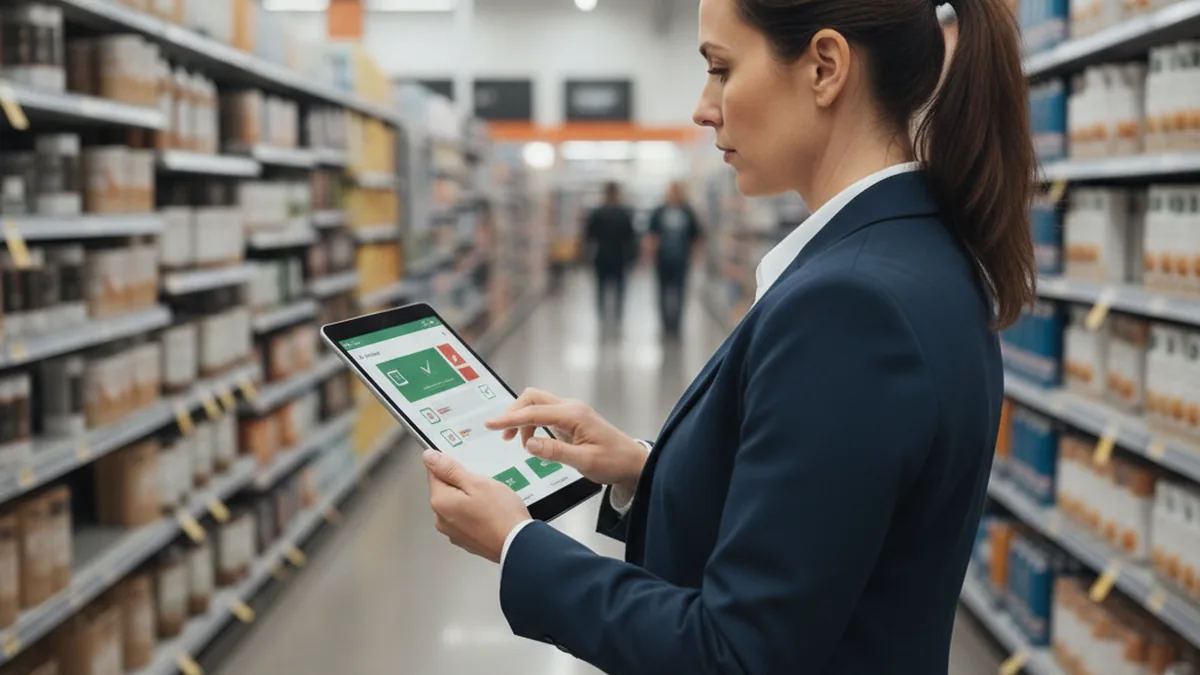
The practical consequence is blunt: shipments created after January 1 without correct seller-side prep won't qualify for Amazon's damage reimbursement. A box that arrives damaged or mislabeled is now the seller's financial risk, not something Amazon's prep fee absorbed. For brands with non-standard SKU mixes or multiple packing stations, the fix is often a custom iOS app for warehouse teams built around their own workflow rather than a generic prep tool.
For sellers who shipped a modest, steady volume through Amazon's prep service for years, this is the first time box-content labeling becomes their own operational problem rather than a line item on an invoice.
Why Box-Content Labeling Becomes a Warehouse-Floor Problem Overnight
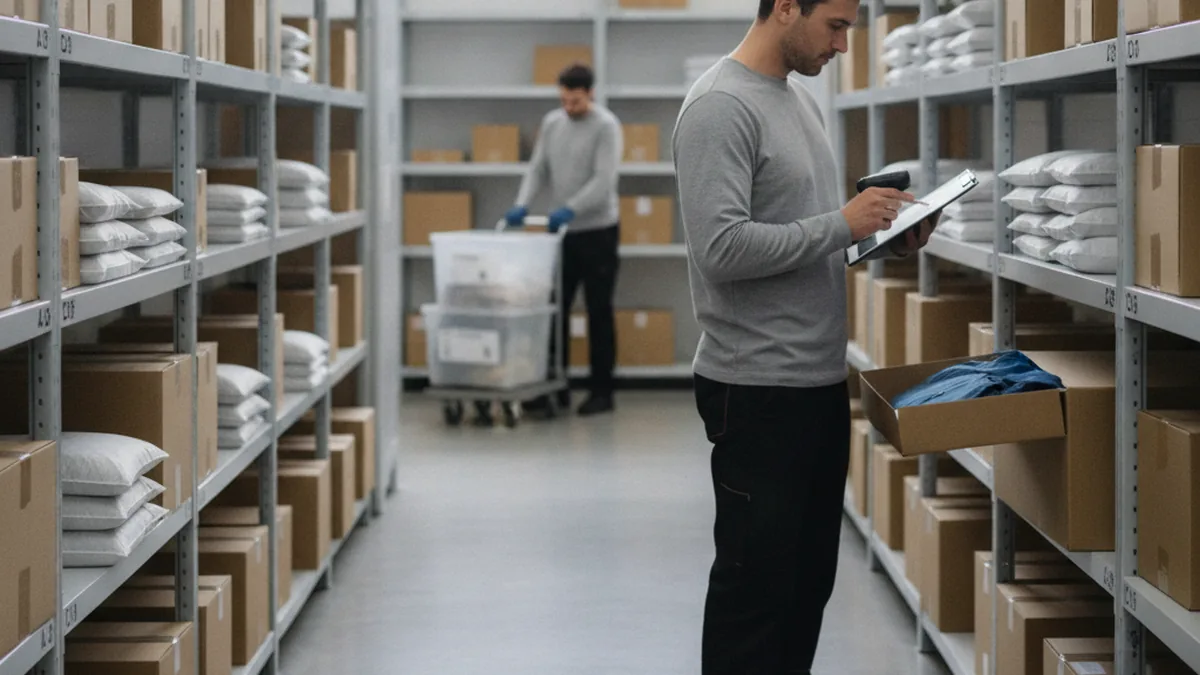
What used to be outsourced to Amazon - open the box, confirm contents, apply the FNSKU and box-content label, reseal - now has to happen on the packing line, at whatever pace that line already runs. For a brand shipping a handful of boxes a week, that's a manageable manual task. For a brand shipping hundreds of boxes across dozens of SKUs, manual labeling introduces exactly the kind of error rate that triggers receiving delays and reimbursement denials.
Volume is the real variable here, not willingness. A team can want to do this carefully and still get it wrong at scale, because the failure mode isn't a lack of effort - it's a lack of a system that catches a mislabeled box before it ships.
What a Compliant FBA Labeling Workflow Actually Requires
FNSKU and box-content label basics
Most FBA shipments need an FNSKU label on each individual unit so Amazon can track inventory at the item level, plus separate box-content information on the outside of each carton describing what's inside and in what quantity. Commingled or sticker-less programs follow different rules, which is part of why a one-size-fits-all checklist doesn't hold up across a mixed catalog.
Inbound shipment plan and box/manifest requirements in Seller Central
Every inbound shipment plan in Seller Central expects box weights, dimensions, and contents to match what's physically labeled on the carton. A mismatch between the plan and the physical box - a common slip when labeling is rushed - can get a shipment flagged or delayed at the receiving dock, independent of whether the FNSKU itself was correct.
Should You Build or Buy? Off-the-Shelf Prep Software vs. a Custom iOS App
When off-the-shelf prep software is enough
For a single warehouse with a fairly standard SKU mix and one packing station, off-the-shelf prep software - the category exemplified by tools like PrepShipHub - is usually enough and considerably cheaper than building anything custom. These tools already encode FNSKU scanning, label printing, and basic shipment-plan workflows, and they're built to be usable without engineering support.
When a custom iOS app pays for itself
The calculation changes once a brand runs a non-standard SKU mix, multiple packing stations that need to stay in sync, tight integration with its own Seller Central or ERP workflow, or brand-specific QA steps that a generic tool doesn't model. At that point, the fixed workflow of an off-the-shelf app starts fighting the way the warehouse actually operates, and a custom build - matched to the real packing line instead of a generic one - becomes the cheaper option over time rather than the more expensive one.
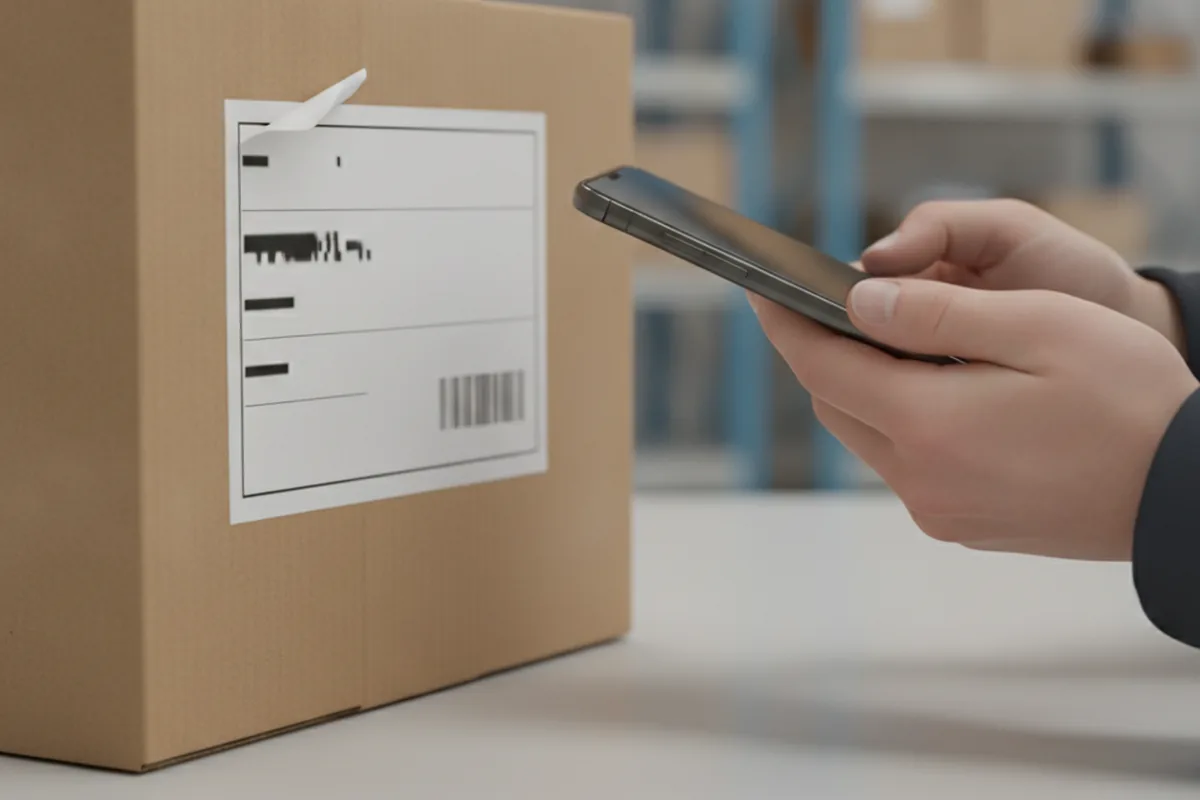
What to Build If You Go Custom
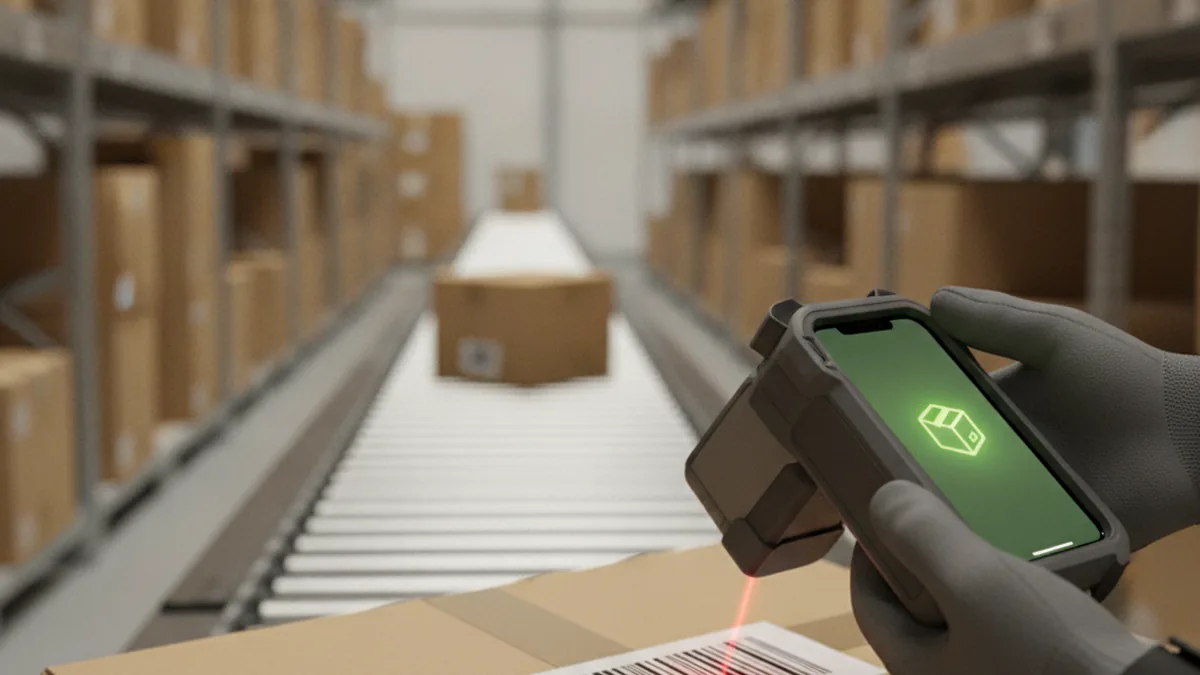
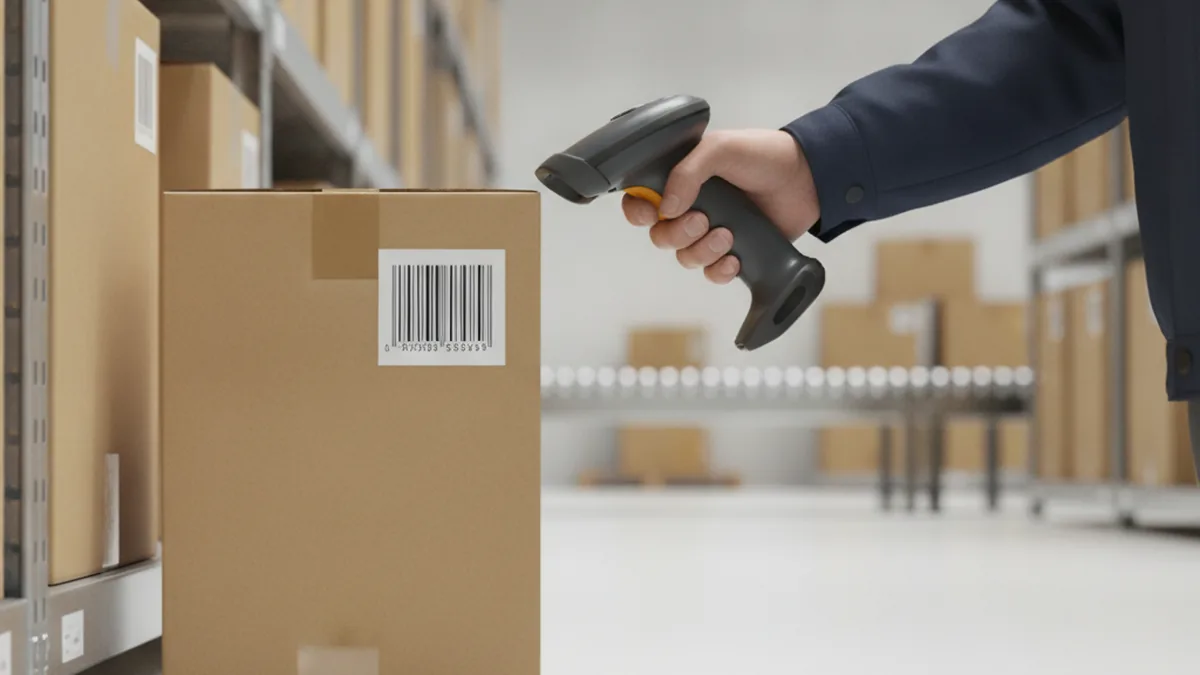
- Barcode/FNSKU scan-to-verify. Scan a unit, confirm it matches the expected SKU before the label goes on - catching mismatches before they're sealed inside a box.
- Box manifest builder. Build the box-content record as units go in, so the physical label and the Seller Central shipment plan are generated from the same data instead of entered twice.
- Label print trigger. Fire a label straight to a connected printer once a box's contents are confirmed, removing the manual lookup-and-print step.
- Seller Central API sync. Push shipment plan data directly rather than exporting and re-entering it by hand.
- Offline-tolerant scanning on the floor. Keep scanning and labeling working through a dead Wi-Fi zone near the dock, syncing once connectivity returns.
What Does Build vs. Buy Actually Cost?
Neither path has one honest number, but the questions that determine which is cheaper are consistent. Off-the-shelf prep software is typically a subscription or per-box fee that scales with volume - predictable, but uncapped as shipment volume grows. A custom build is a one-time development cost plus ongoing maintenance, with no per-unit fee regardless of volume.
The breakeven question isn't "how big is my catalog" alone - it's how fast your shipment volume is growing, how many packing stations you're coordinating, and whether the per-unit or per-box fee on an off-the-shelf tool is already outpacing what a custom build would cost to maintain. Ask those three questions before pricing either path; the catalog-size shortcut misses brands that are small today but scaling into the 2026 deadline.
A Rollout Plan Before the 2026 Deadline
- Audit current prep volume. Count boxes and units per week across the catalog to know what a labeling workflow actually needs to handle.
- Decide build or buy. Score the operation against SKU mix, packing-station count, and integration needs from the section above.
- Pilot on one SKU line. Prove the workflow - whether bought or built - on a single product line before trusting it across the full catalog.
- Roll out to the full catalog. Extend the proven workflow once the pilot clears a full shipment cycle without reimbursement issues.
- Monitor reimbursement eligibility. Watch the first few post-cutoff shipments closely for labeling-related denials, since that's the signal that catches a workflow gap the pilot missed.
Frequently Asked Questions
When exactly does Amazon stop offering FBA prep and labeling services?
Amazon's optional prep and item-labeling service - bubble-wrap, stickering, bagging, and FNSKU box-content labeling done on Amazon's side for a fee - is being discontinued for US shipments effective January 1, 2026. Shipments created after that date need to arrive already compliant, prepped by the seller, a 3PL, or an app-assisted in-house process.
What happens if my shipment isn't properly labeled after the cutoff?
A shipment created after January 1, 2026 without correct seller-side prep and labeling won't qualify for Amazon's damage reimbursement if something goes wrong in transit or at the fulfillment center. Beyond the reimbursement risk, mislabeled boxes also risk receiving delays or rejection at the inbound dock.
Can I still use a third-party prep center instead of doing it myself?
Yes. Third-party prep centers remain a fully valid option after the shutdown - Amazon is only discontinuing its own in-house prep and labeling service, not the broader ecosystem of outside prep providers. For brands that don't want to build in-house capability at all, a 3PL prep center is often the simplest replacement.
Do I need FNSKU labels on every unit or just the box?
It depends on the product and program. Most FBA shipments require an FNSKU label on each individual unit so Amazon can track inventory at the item level, plus separate box-content information on the outside of each carton describing what's inside. Commingled or sticker-less programs have their own rules - check the specific shipment plan in Seller Central rather than assuming one labeling pattern applies everywhere.
Is off-the-shelf prep software enough for a small catalog?
For a single warehouse with a modest, fairly standard SKU mix, off-the-shelf prep software is usually enough and considerably cheaper than building anything custom. The calculation changes once a brand runs multiple packing stations, a non-standard SKU mix, or needs tight integration with its own Seller Central or ERP workflow - that's where a custom app starts to pay for itself.
How long does it take to build a custom iOS labeling app?
A focused MVP - barcode/FNSKU scan-to-verify, a box manifest builder, and a label print trigger wired into one Seller Central or ERP integration - commonly launches in a matter of weeks to a couple of months. Timelines extend mostly because of integration testing against a brand's existing systems, not because of the interface itself.