Android vs. iOS for Warehouse Apps: Why Marketplace Brands Should Build on Android
TL;DR: Most rugged scanners used in warehouses and fulfillment centers - Zebra, Honeywell, Datalogic - run Android, not iOS. For marketplace brands planning a custom warehouse app (receiving, put-away, pick-by-scan, cycle counts), that single fact decides your SDK, your hardware options, and your build timeline. Here's what to plan for before you brief a developer.
Why Rugged Warehouse Scanners Run Android, Not iOS
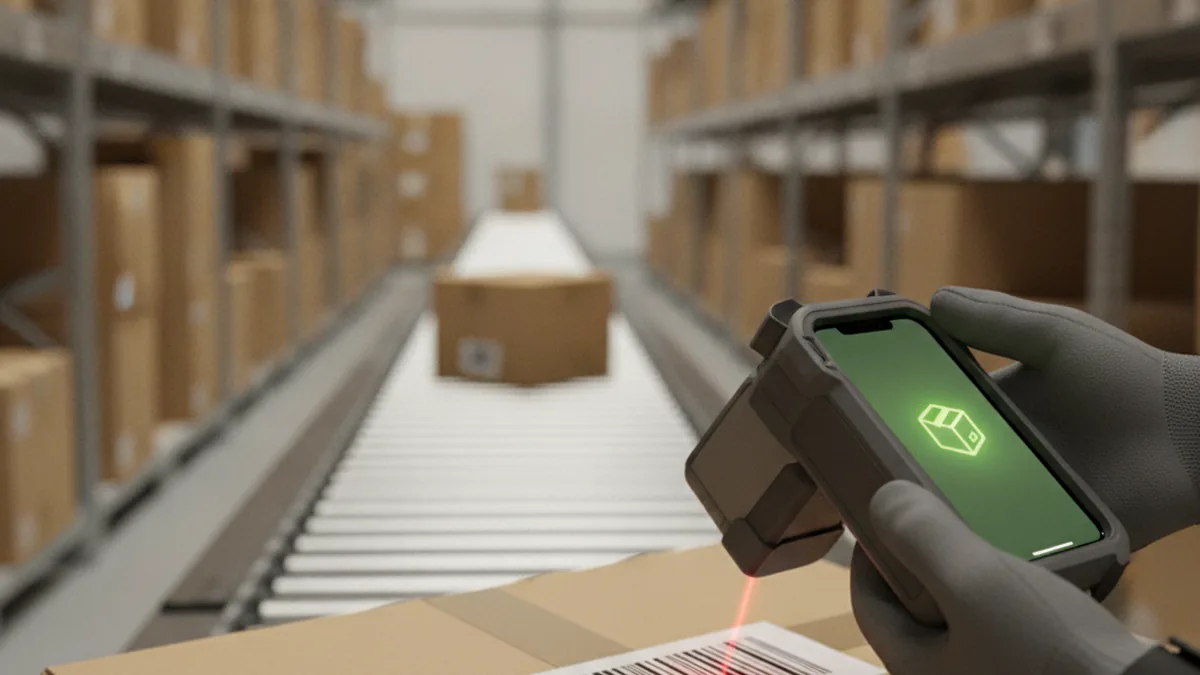
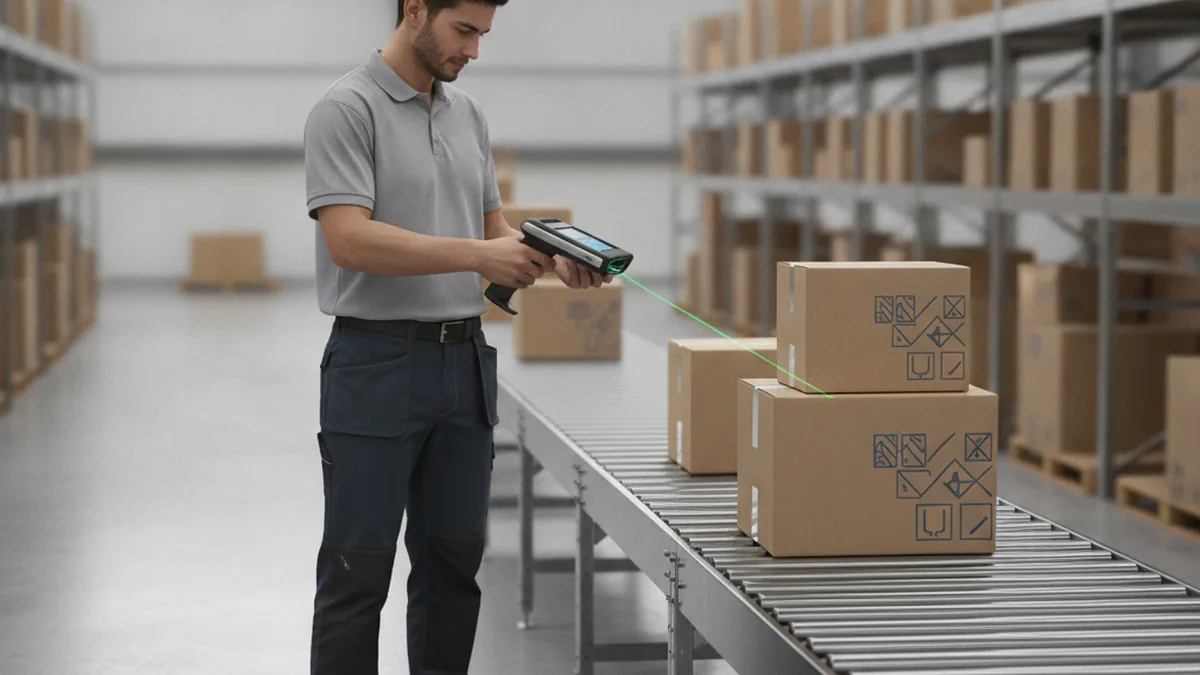
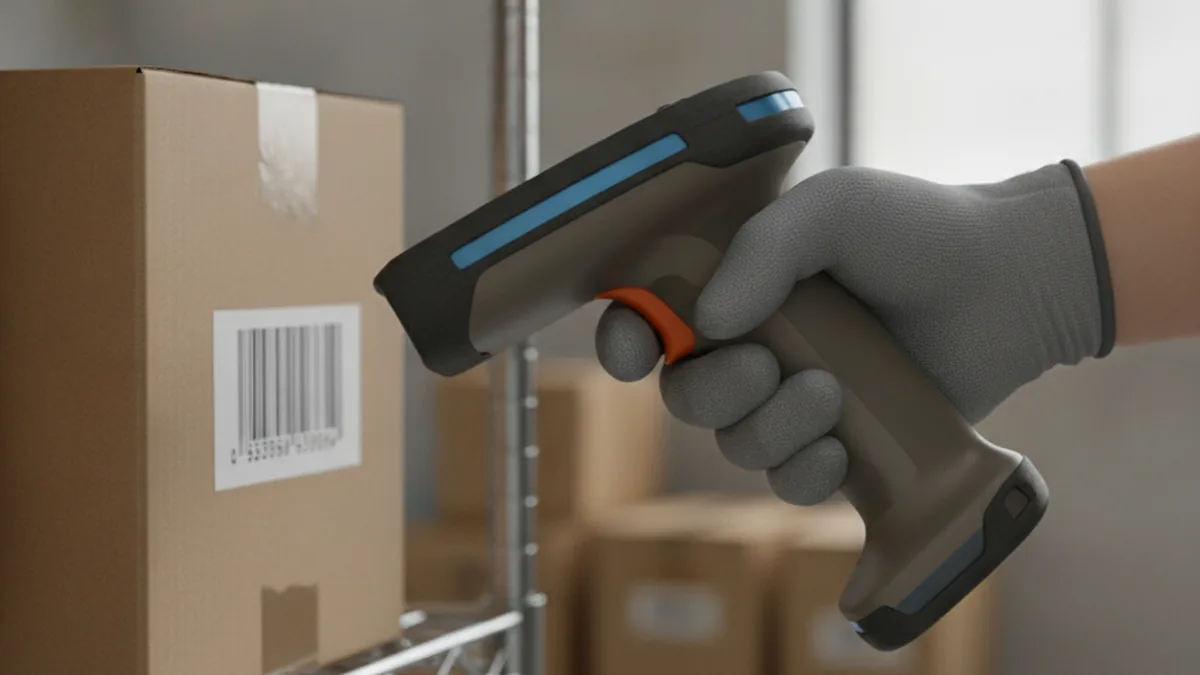
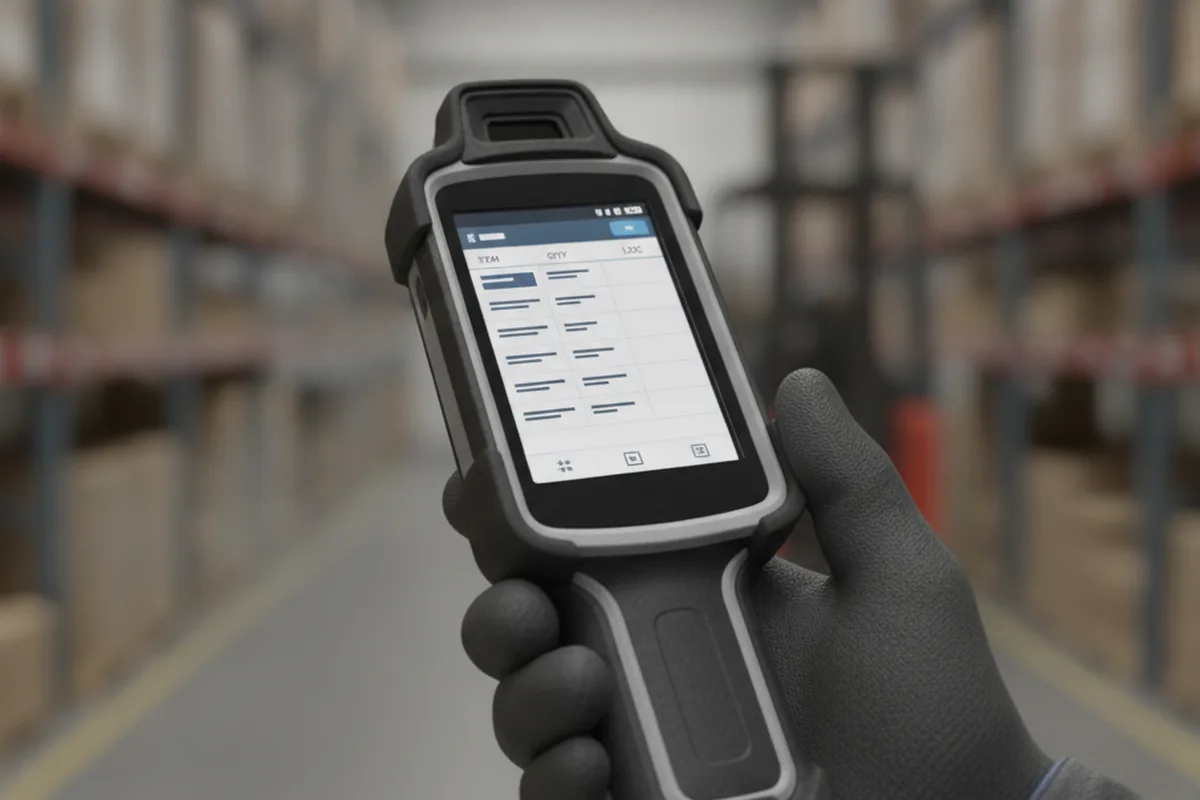
Walk onto almost any fulfillment floor and the handheld device clipped to a picker's belt or mounted on a pallet jack is running Android. Zebra's TC-series, Honeywell's handhelds, Datalogic's rugged terminals - the enterprise-mobility device market standardized on Android years ago, and that choice wasn't about app development trends. It's about what OEMs can actually do with the platform.
Android is open enough that a hardware maker can customize the OS, lock a device into kiosk mode so a worker can't back out into settings, and ship a vendor SDK that talks directly to the built-in laser or imager engine. Apple's iOS ecosystem doesn't give hardware OEMs that kind of access - which is exactly why, when a marketplace brand comes to us needing a warehouse app built against a specific rugged device's SDK rather than a generic consumer app, that's the kind of project the Android development team at YuSMP Group gets brought in on: not something pulled off a template, but a build tested against the exact terminal model running the floor.
None of this means iOS has no place in a warehouse - plenty of ops teams use iPhones with MFi scanning sleeves for lighter cycle-count work. But the dedicated, rugged hardware that dominates receiving docks and pick-pack lines is overwhelmingly Android, and that fact alone should shape how a marketplace brand scopes a custom warehouse app.
What "Build for Android" Actually Means for a Warehouse App
Building for Android here is not the same job as building a consumer app for the Google Play Store. A warehouse app runs on a device that's locked into a single task: the home screen is disabled, the notification shade is blocked, and the app launches automatically on boot so a picker never sees anything but the scanning interface.
It also has to survive conditions a consumer app never faces - a dead Wi-Fi zone near the loading dock, a shift change mid-scan, a label printer sitting three feet away that needs a print job fired the moment a put-away is confirmed. None of that is exotic engineering, but it's a different skill set from shipping a typical mobile app, and it's where generalist mobile teams without enterprise-mobility experience tend to underestimate the scope.
Where Brands Get This Wrong
The most common mistake is hiring a mobile developer with solid consumer-app experience but no exposure to enterprise-mobility SDKs, then discovering mid-project that "add barcode scanning" means something entirely different on a rugged Zebra terminal than it does on a phone camera.
The second is skipping device compatibility entirely. A brand specs an app against the Zebra model sitting on their desk, then rolls it out to a 3PL partner running a different model from the same vendor - or a different vendor altogether - and the scan trigger simply doesn't fire, because the SDK calls were written against one device's hardware profile.
The SDK Layer: EMDK vs. Scanner SDK
Zebra, the largest player in this space, actually offers two different SDKs, and picking the wrong one is a common early misstep. The Scanner SDK is built for consumer and paired Bluetooth scanners - think a handheld ring scanner connected to a phone. EMDK (Enterprise Mobility Development Kit) is the deeper toolkit for Zebra's own Android devices, giving a developer programmatic control over the built-in scan engine, device settings, and hardware behavior that a consumer-facing SDK doesn't expose.
Sitting above both is DataWedge, a configuration utility that ships on Zebra devices and can inject scan results directly into any app as simulated keyboard input - no code required. DataWedge is the fast path for simple scan-to-field apps. EMDK is what a developer reaches for when the app needs finer control: triggering a scan programmatically, reading decode data in a custom format, or managing device settings remotely across a fleet of terminals.
Build vs. Buy: When a Custom Android App Pays Off
Off-the-shelf warehouse management apps close most of the gap for a straightforward single-channel operation, and there's no reason to build custom just because you can. The cracks show up once marketplace-specific complexity enters the picture: multiple SKU identifiers across channels, FBA prep labeling that a generic WMS app doesn't encode as a workflow, or cross-docking rules for a Walmart WFS lane that differ from how the same SKU moves through Amazon fulfillment.
A useful threshold: once you're running more than one warehouse or 3PL partner, supporting more than one marketplace channel with different labeling or prep rules, or hitting a packaged app's per-device licensing wall, a custom build usually pays for itself within a year - mostly through fewer manual corrections and a data layer you actually own instead of one locked inside a vendor's dashboard.
What a Good Warehouse Android App Should Cover
Scope creep is the usual failure mode on these projects. A focused build covers a specific set of floor operations well rather than trying to be a full WMS replacement on day one:
- Goods receipt scanning - confirm an inbound item against a purchase order or ASN the moment it hits the dock.
- Put-away confirmation - scan the item and the bin location to log the move in one pass.
- Pick-by-scan - guide a picker through an order with scan confirmation at each line, reducing mis-picks.
- Pack station confirmation - verify the right items are going into the right package before it's sealed and labeled.
- Cycle counts - scheduled or ad hoc inventory counts against expected quantities by location.
- Label reprint on device - trigger a reprint from the handheld when a shipping or FBA prep label is damaged or missing, without a trip back to a workstation.
Planning Your Android Warehouse App Project
Before briefing a developer, lock down the device model you're building against first - EMDK calls and hardware profiles vary enough between Zebra, Honeywell, and Datalogic devices that "Android" alone isn't a complete spec. Test early on the actual floor, not just a desk: Wi-Fi dead zones, glove-friendly touch targets, and lighting conditions near loading docks all surface issues that never show up in an office pilot.
When evaluating a development partner, ask directly about EMDK or equivalent enterprise-mobility SDK experience, not just general Android development. A team that's only built consumer apps will treat the scanner integration as an afterthought instead of the foundation it actually is.
Frequently Asked Questions
Why don't warehouse scanners run iOS?
Rugged device makers like Zebra, Honeywell, and Datalogic build on Android because the platform lets OEMs customize the operating system, lock down kiosk-style behavior, and ship vendor SDKs for the physical scan engine. Apple's closed ecosystem does not give hardware OEMs that level of access, so the enterprise-mobility device market has standardized on Android almost by default.
Can I use a regular Android tablet instead of a rugged device?
For light, low-volume scanning you can, but a consumer tablet lacks the sealed housing, drop rating, swappable battery, and dedicated laser or imager engine that a Zebra or Honeywell device has. On a busy pick-pack line, a consumer tablet's camera-based scanning is noticeably slower and the device itself won't survive repeated drops onto a warehouse floor.
What's the difference between DataWedge and EMDK?
DataWedge is a configuration utility built into Zebra devices that captures scan input and injects it into any app as if it were typed on a keyboard - no code required. EMDK (Enterprise Mobility Development Kit) is a full SDK for developers who need programmatic control over the scanner, device settings, and hardware behavior beyond what DataWedge's point-and-configure interface exposes.
How long does it take to build a custom Android warehouse app?
A focused MVP covering goods receipt, pick-by-scan, and one ERP or WMS integration typically takes six to ten weeks. Timelines extend when a project needs to support multiple device models, several 3PL partners with different hardware, or deeper reporting beyond the core scan-to-system flow.
Do I need a different app for each 3PL partner?
Not necessarily. A well-built app can support multiple device models and sites from one codebase, as long as the EMDK or DataWedge configuration is abstracted per device rather than hardcoded. What usually forces a separate build is a 3PL partner that won't allow outside software on their own hardware at all - in that case you're working within their system instead of yours.
What happens if we switch scanner hardware brands later?
If the app was built against a vendor-specific SDK like EMDK with no abstraction layer, switching from Zebra to Honeywell means re-implementing the scan integration. Apps built with the hardware layer isolated behind an internal interface can usually swap vendors by writing a new adapter, without touching the rest of the app.
Is a cross-platform framework (React Native/Flutter) an option for warehouse apps?
Technically yes - both frameworks can bridge to native Android code and call vendor SDKs. In practice, most enterprise-mobility integrations end up native Android anyway, because EMDK and DataWedge are Android-first APIs with better documentation and support in native code, and the bridging layer adds a point of failure for something as latency-sensitive as scan input.